Articulated fixtures
Doors & Drawers Pack
Hinged doors, sliding drawers, handles, stops, and configurable joint properties.
- Articulated geometry
- Joint limits
- Handle affordances
Marketplace · Interactive Objects
Add reusable, physics-aware objects to training environments with collision geometry, articulation, materials, affordances, grasp information, and controlled variation.
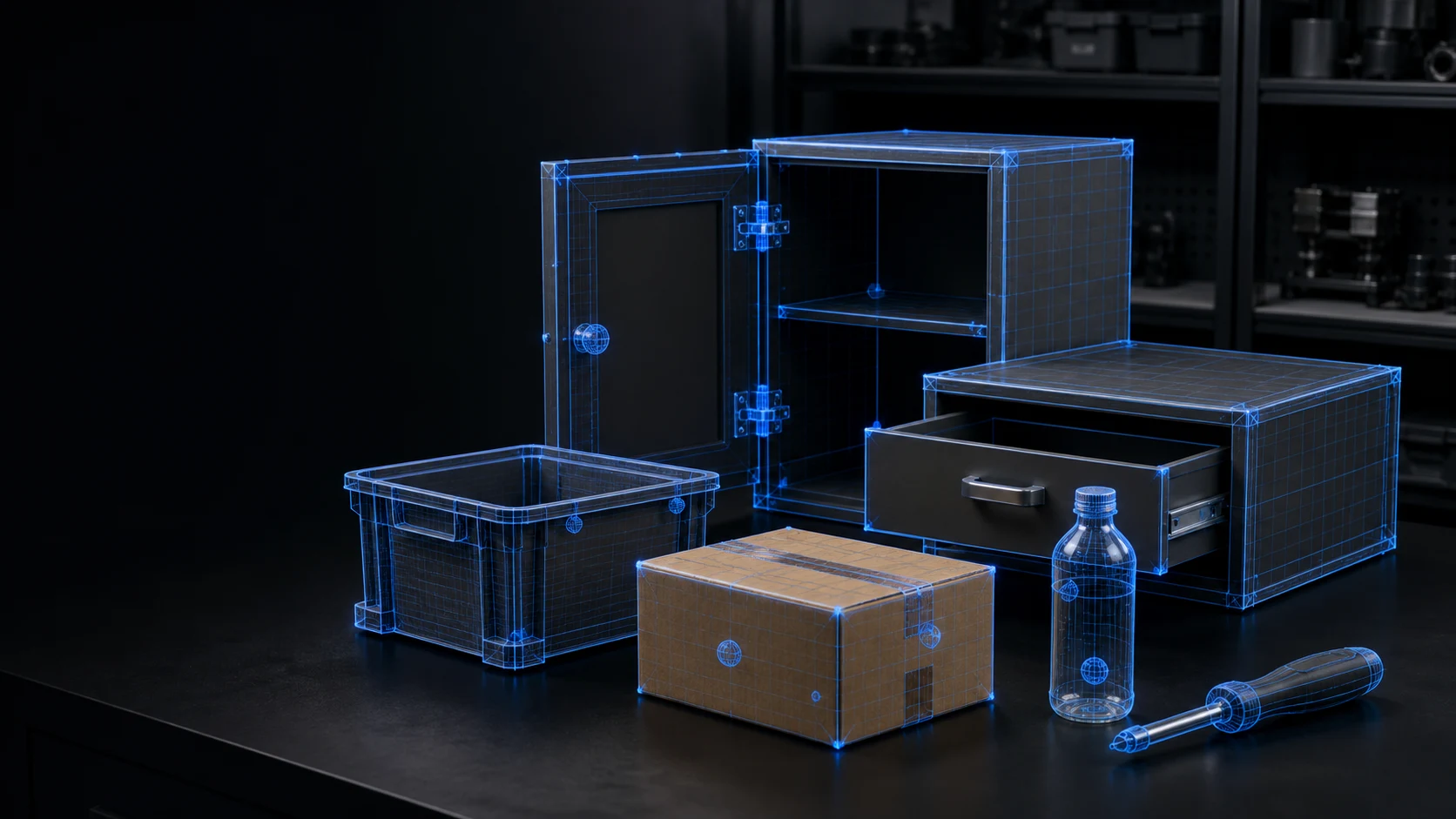
Versioned marketplace asset
Compatibility, provenance, usage rights, and delivery requirements stay attached to every release.
Catalog
Build tasks from tested object packages instead of repeatedly preparing meshes, joints, materials, and interaction metadata.
Articulated fixtures
Hinged doors, sliding drawers, handles, stops, and configurable joint properties.
Logistics
Bins, totes, cartons, parcels, and reusable containers across useful size and weight ranges.
Domestic robotics
Everyday bottles, cups, dishes, cleaning items, and storage objects for service tasks.
Industrial manipulation
Hand tools, holders, fixtures, and workpieces for assembly and machine-tending scenarios.
What you receive
Visual and collision meshes with consistent scale, origin, hierarchy, and naming.
Mass, inertia, friction, joints, limits, contacts, and state transitions.
Grasp regions, handles, functional frames, interaction points, and placement constraints.
Controlled changes in dimensions, materials, appearance, state, and physical parameters.
Compatibility first
Every marketplace release carries the requirements needed to match it to the rest of your training and deployment stack.
Simulator and asset format
Scale, origin, and coordinate convention
Physics engine and material model
Required articulation and interaction APIs
Compatible environments, scenarios, and skills
The complete marketplace
Skills
Access versioned robot skills for manipulation, mobility, perception, and task automation. Every release defines what it supports, what it requires, and how it was evaluated.
Explore SkillsEnvironments
Use simulation-ready homes, offices, warehouses, and industrial cells with defined geometry, physics, scenarios, and variation—without rebuilding every scene from scratch.
Explore EnvironmentsObjects
Add reusable, physics-aware objects to training environments with collision geometry, articulation, materials, affordances, grasp information, and controlled variation.
Explore ObjectsQuestions
A 3D model mainly describes appearance. An interactive object also defines collisions, physical properties, articulation, states, affordances, and the metadata a robot task needs.
Yes. Reuse is the point. Every package documents its scale, physics, simulator, articulation, and interaction requirements so it can be matched to compatible scenes and skills.
Yes. Request a custom version and share the object, required interactions, physical behavior, task, environment, and accuracy requirements. We will scope the capture, modeling, validation, and delivery work.
Choose the shortest path
Tell us what your robot needs to do. We will match an existing release or define the custom version your task requires.