Domestic robotics
Home Essentials
Kitchen, living, storage, and utility zones for everyday manipulation and service tasks.
- Room and fixture geometry
- Task-ready object sets
- Layout variations
Marketplace · Training Environments
Use simulation-ready homes, offices, warehouses, and industrial cells with defined geometry, physics, scenarios, and variation—without rebuilding every scene from scratch.
Versioned marketplace asset
Compatibility, provenance, usage rights, and delivery requirements stay attached to every release.
Catalog
Each environment is a versioned training and evaluation package, not a decorative 3D scene.
Domestic robotics
Kitchen, living, storage, and utility zones for everyday manipulation and service tasks.
Commercial spaces
Desks, meeting areas, storage, doors, and shared spaces for mobile manipulation workflows.
Logistics
Racks, conveyors, staging zones, parcels, and containers for material-handling tasks.
Manufacturing
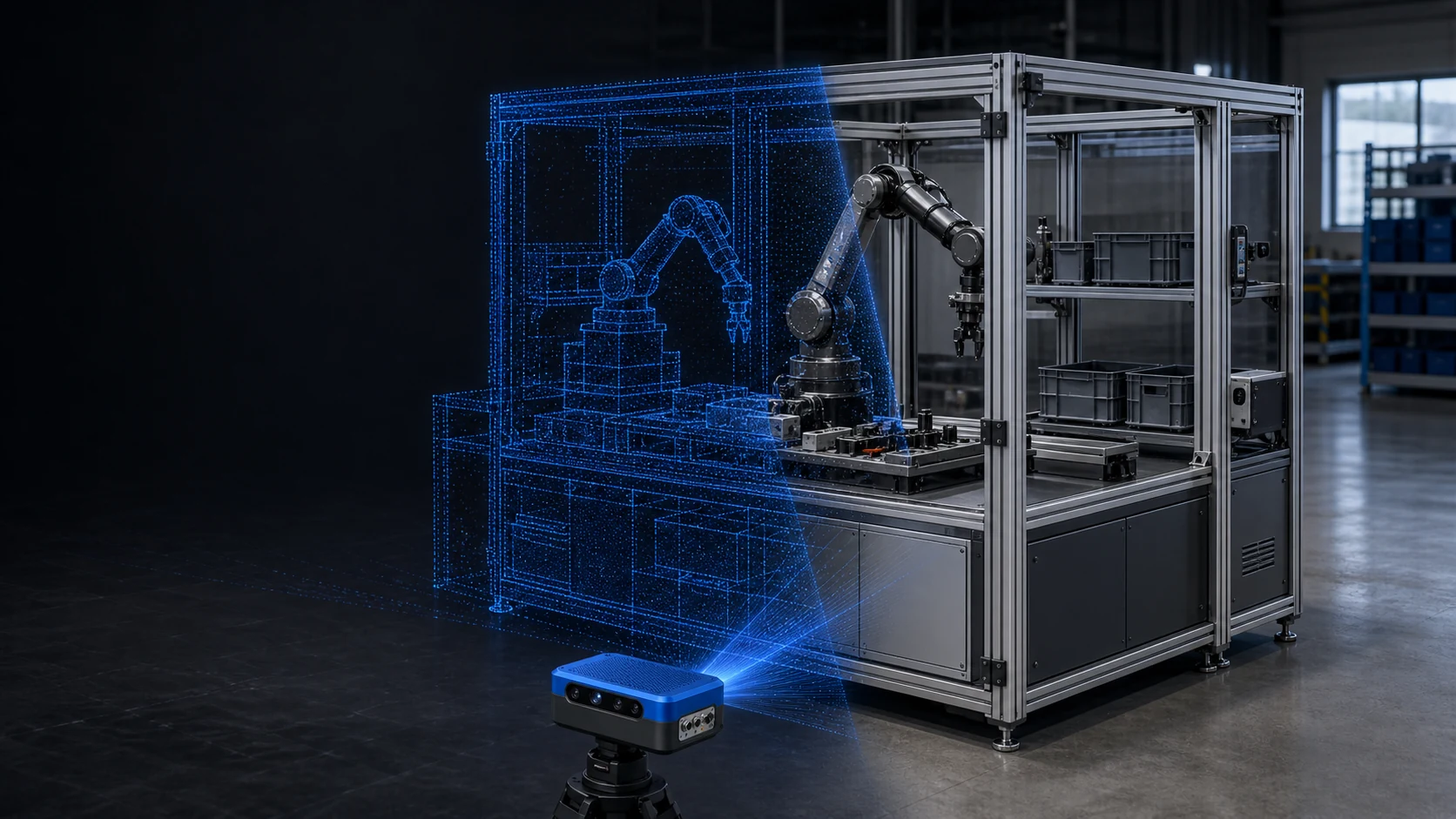
A modular robot cell for assembly, sorting, machine tending, and validation workflows.
What you receive
Organized geometry, collision meshes, materials, scale, and coordinate conventions.
Mass, friction, joints, constraints, and other behavior required by the scene.
Initial states, task layouts, success conditions, failures, and reset logic.
Layout, lighting, material, object, and sensor variation for robust training and tests.
Compatibility first
Every marketplace release carries the requirements needed to match it to the rest of your training and deployment stack.
Simulator and renderer version
Robot embodiment and reachable workspace
Included and compatible object packages
Sensor and observation configuration
Scenario, reset, and evaluation interfaces
The complete marketplace
Skills
Access versioned robot skills for manipulation, mobility, perception, and task automation. Every release defines what it supports, what it requires, and how it was evaluated.
Explore SkillsEnvironments
Use simulation-ready homes, offices, warehouses, and industrial cells with defined geometry, physics, scenarios, and variation—without rebuilding every scene from scratch.
Explore EnvironmentsObjects
Add reusable, physics-aware objects to training environments with collision geometry, articulation, materials, affordances, grasp information, and controlled variation.
Explore ObjectsQuestions
It includes more than visible geometry: collision meshes, physics, coordinate conventions, interactive objects, scenario definitions, reset logic, and documented simulator requirements.
Yes. We can configure supported variants or build a custom version around your facility, workflow, robot, and evaluation requirements.
Yes. Our Real-to-Sim workflow can capture the relevant space, process it into simulation-ready geometry, add physics and interactive assets, and package the result for training and evaluation.
Choose the shortest path
Tell us what your robot needs to do. We will match an existing release or define the custom version your task requires.